Optimize operations through automation and AI
Eliminate digital event disruptions by leveraging AI, analytics, and workflows to automate and accelerate response times all the way to resolution.
Eliminate digital event disruptions by leveraging AI, analytics, and workflows to automate and accelerate response times all the way to resolution.

Viasat increased software releases by 35%

Kellogg’s reduced MTTR by 83% and cut resource costs by 92%

Major utility company integrated over 50 different internal tools into a single communications hub

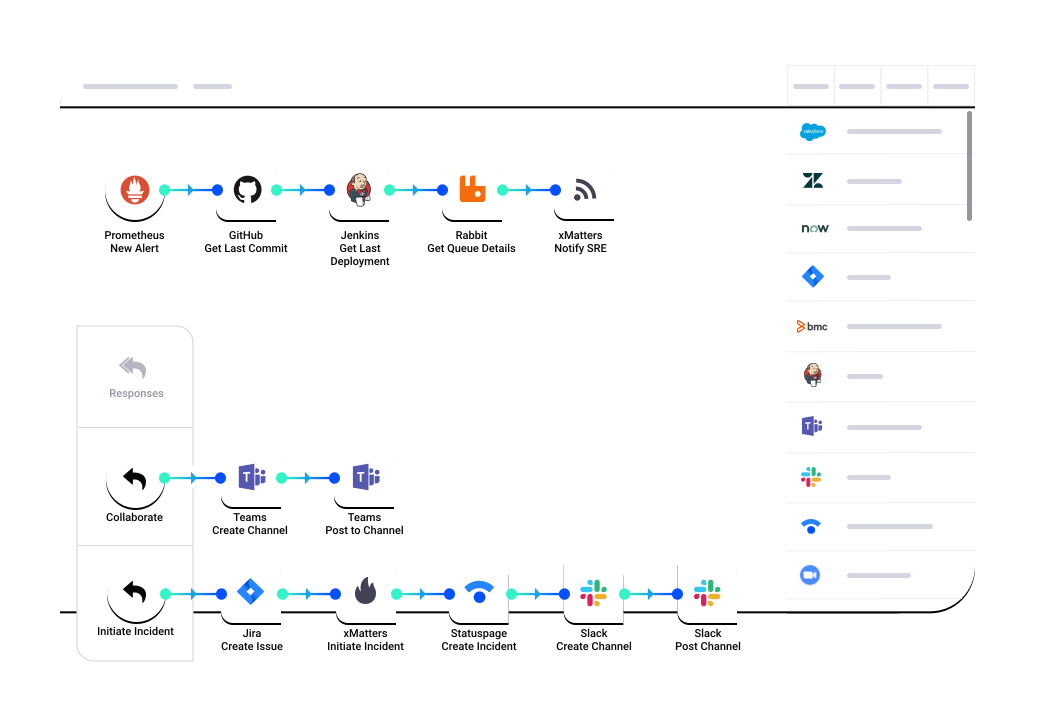
Move faster with confidence. Our no-code and low-code integrations let you build flexible workflows to address issues proactively—even during deployments.

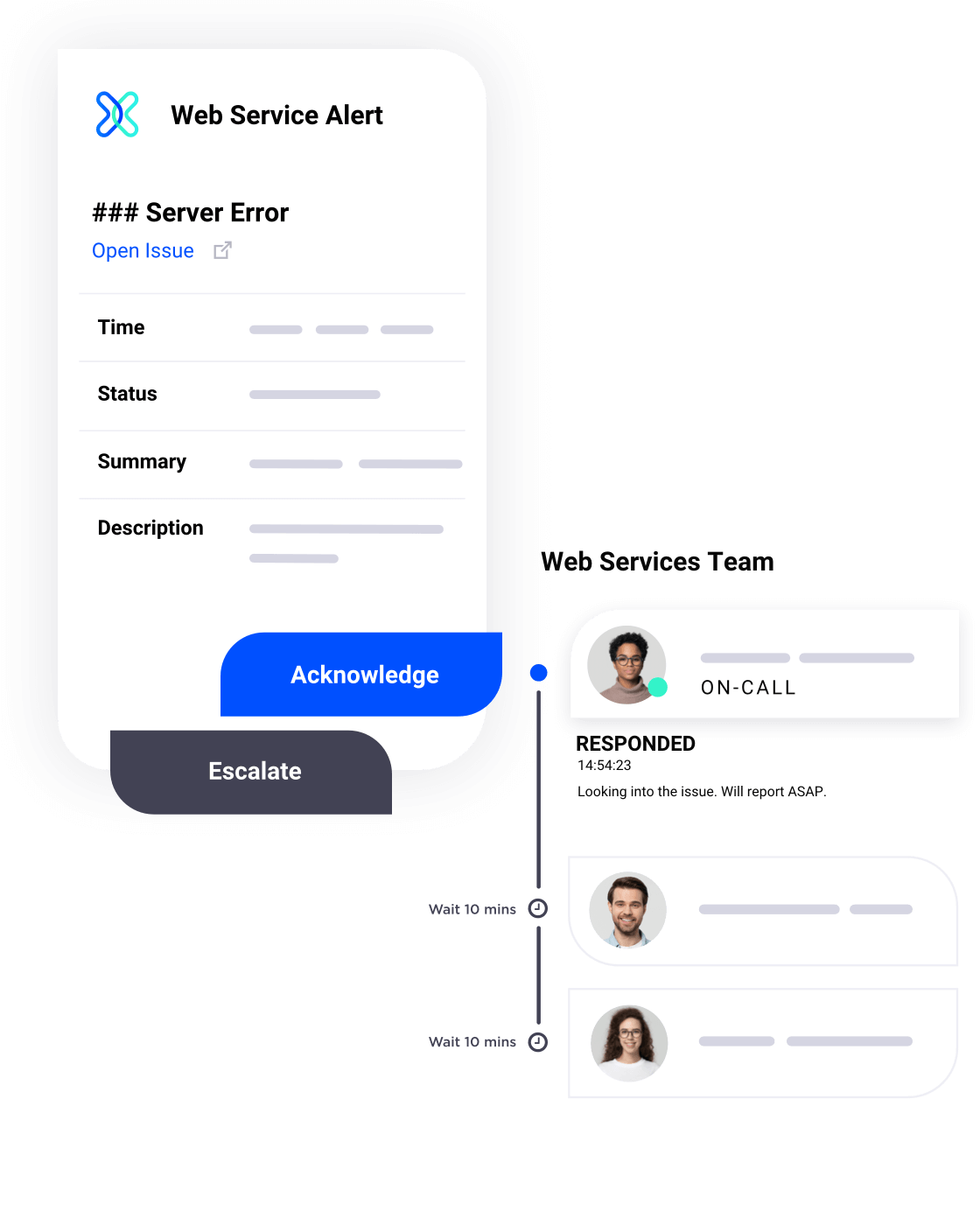
Manage on-call seamlessly. Automatically escalate to the right people, schedule with ease, and act on detailed alerts from anywhere.
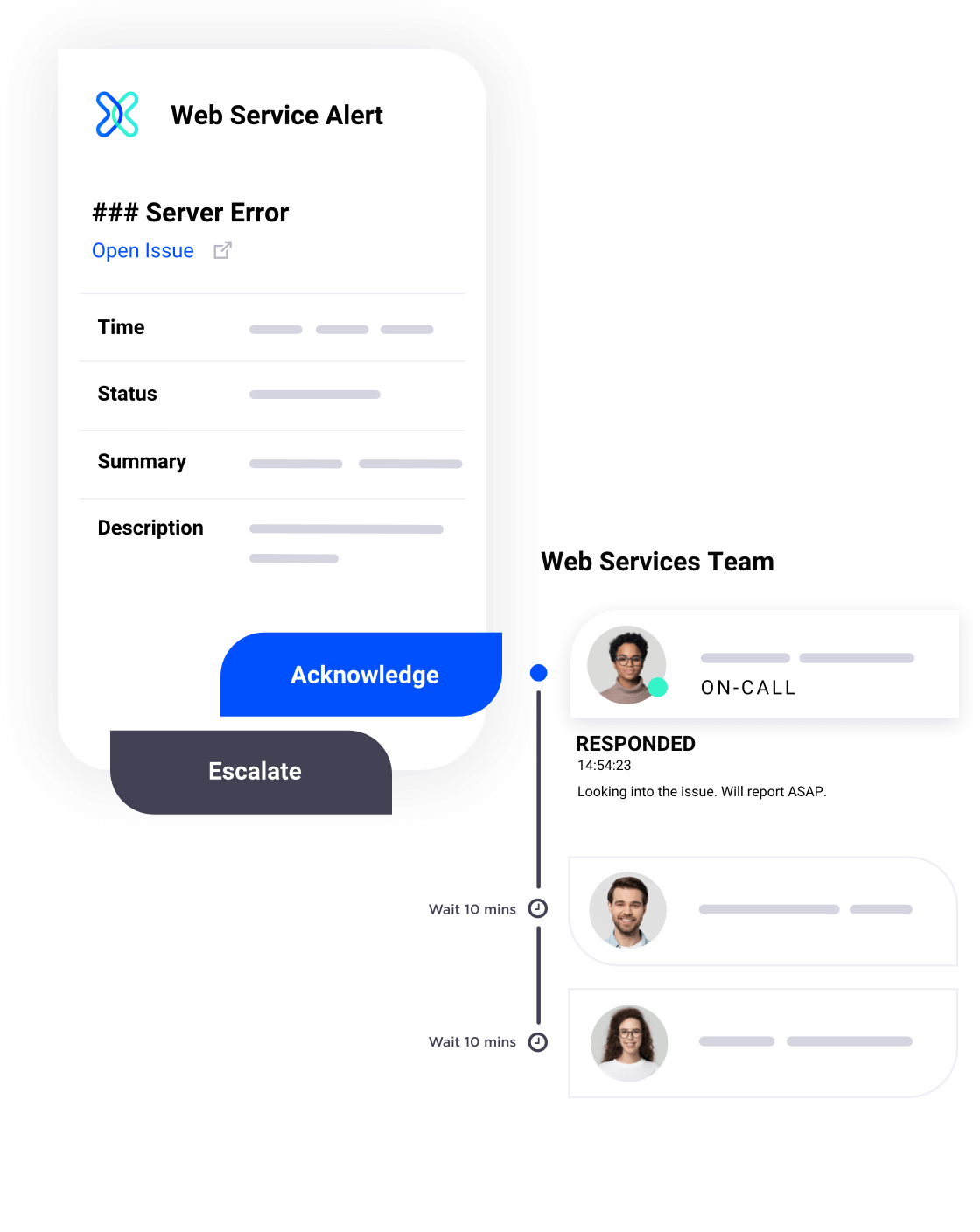

Stay resilient in any scenario with our adaptive approach to incident management. Automate resolution, protect customers from disruptions, and learn from each event.
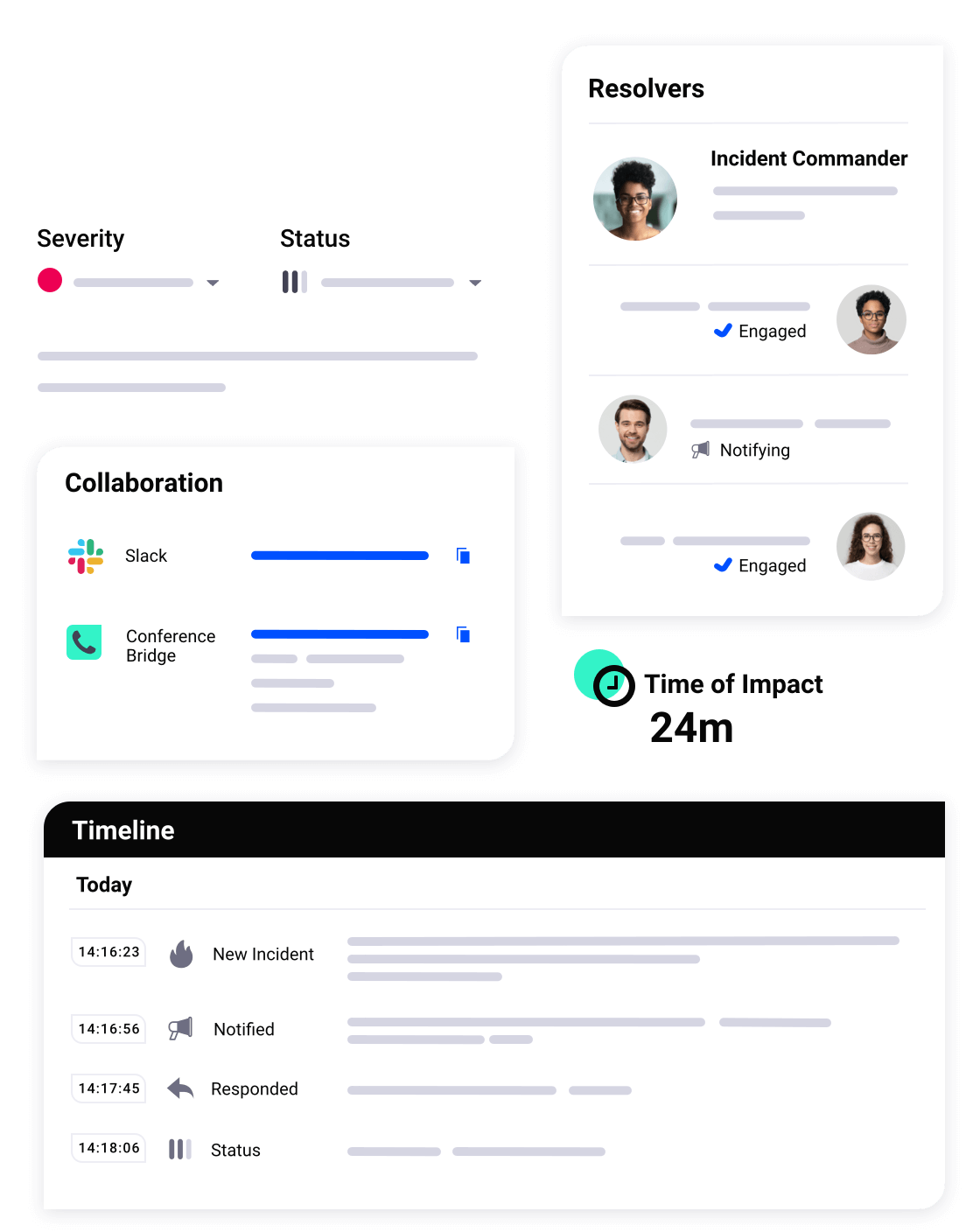

Our customers experience dramatic productivity improvements like these.
Faster response times through targeted and context-rich notifications.

Reduction in Sev1s using on-call schedules and streamlined escalations.

More releases by incorporating xMatters into application delivery workflows.

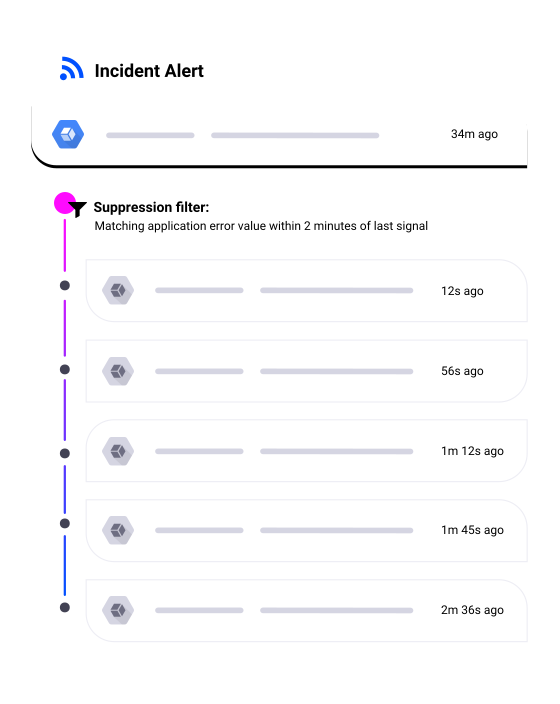
Put situations in context and cut through the noise of multiple monitoring tools with filtering and suppression, alert correlation, enriched notifications, and routing based on role or function.

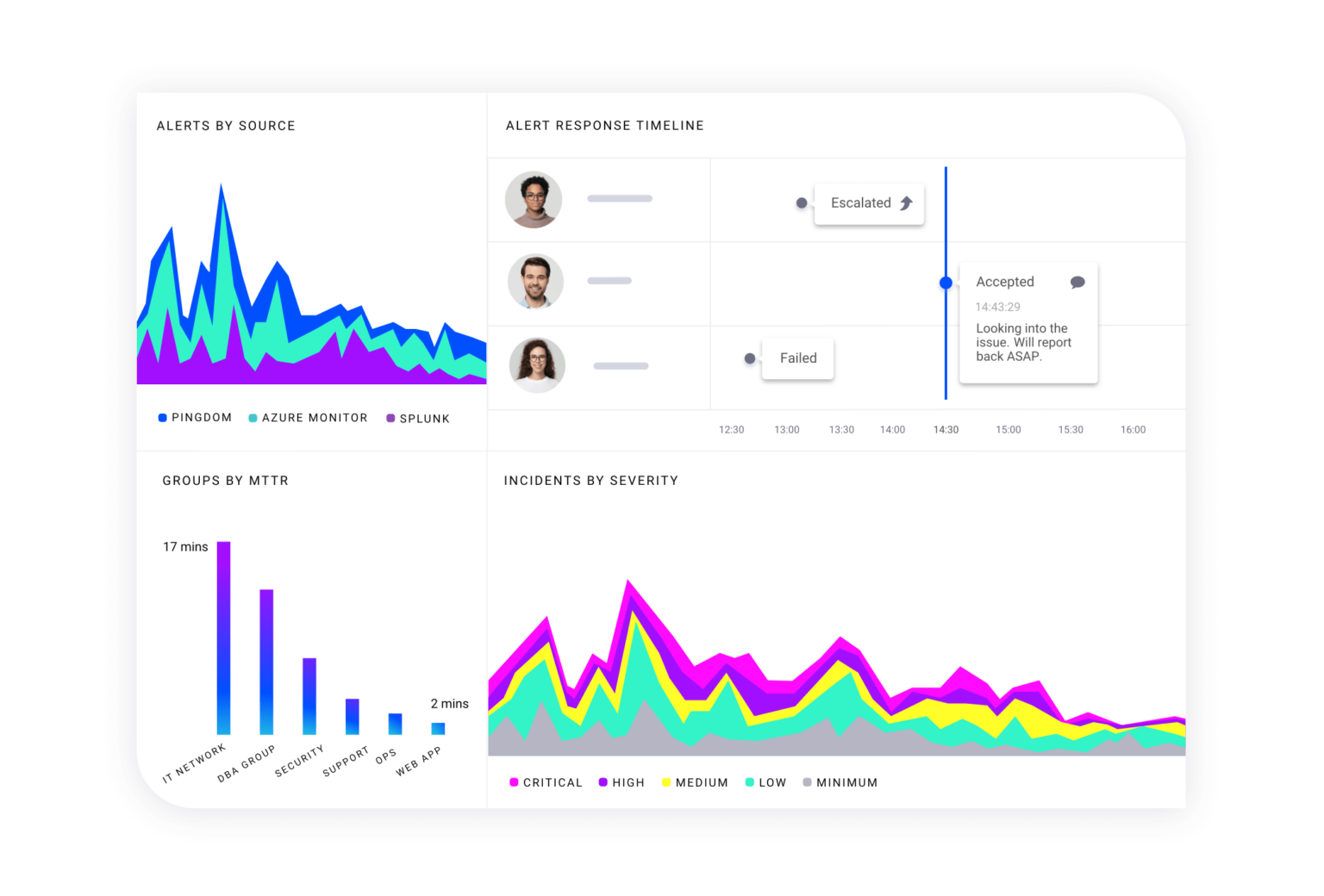
Get quick insights into key metrics to understand inefficiencies, boosting collaboration and productivity across engineering and operations teams.



With xMatters, we’re delivering the capability to join all our solutions together and really unlock the power of the data that we have across our organization. Our engineers aren’t spending time gathering data, they're performing higher-value roles and resolving issues quicker.
Vice President, Global Service Experience
clients
countries
people from whom Experian collects information

xMatters is going to be one of the applications we use as a foundation. We can use it for just about any business process. Again, it comes down to efficiency, and that’s the key thing we look at with xMatters.
Senior Infrastructure Analytics Architect
reduction in mean time to resolution
reduction in resource costs
alerting accuracy

[W]e are able to automate many steps that were previously manual including updating incident tickets, aggregating incident details into one central location, and then create Slack channels for each major incident.
Senior Manager, NOC Operations and Engineering
uptime SLA
web hits / day
patient records